Design
Sticker SVG Pack: 20 Prompt Templates + Consistency Rules (Sell-Ready)
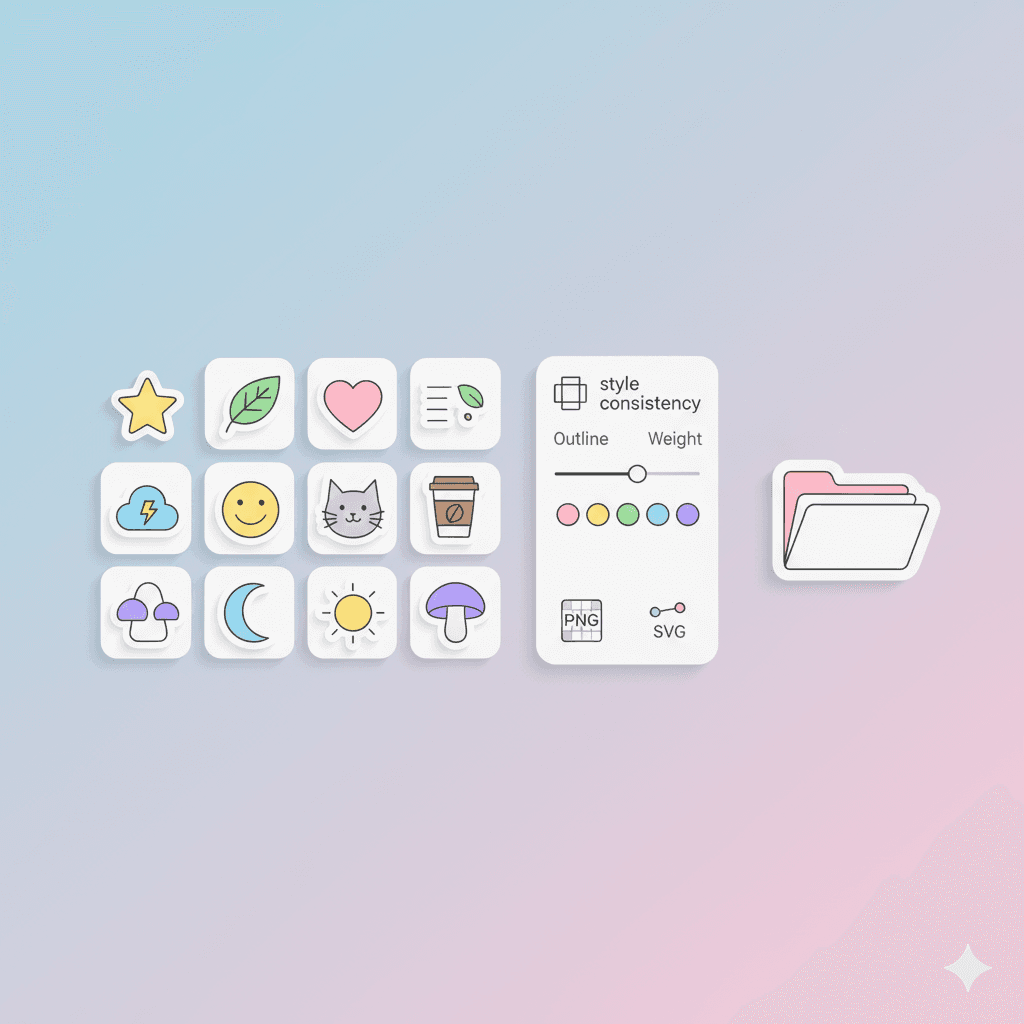
Build a Sticker Pack in One Style (Prompt Templates Included)
Sticker packs sell when they feel like a cohesive set—not 20 random images.
The easiest way to make a cohesive sticker pack (fast) is to treat it like a tiny design system:
one visual style
one line weight
one shading method
one border rule
one export standard
This guide gives you:
how to pick a style that stays consistent
20 prompt templates you can copy/paste
rules that prevent “style drift”
export tips for PNG + SVG
licensing notes and packaging so it’s sell-ready
Internal reading (style inspiration + prompt workflows):
Choosing a style (pick one that survives repetition)
A sticker style should be:
readable at small size
consistent across many subjects
easy to recolor or theme
not overly detailed
3 proven sticker styles
Bold outline + flat fill (most sellable)
Soft gradient + thick border (cute, modern)
Minimal mono-line (clean and premium)
One rule
Pick a style you can repeat 50 times without effort. If it only works for 3 images, it’s not a pack style.
Consistency rules (this is what makes it feel “pro”)
Use these rules across every sticker:
1) Same outline weight
Pick one:
thick outline
medium outline
no outline (rare for stickers)
2) Same border rule
Most sticker packs use a white border + subtle shadow.
3) Same lighting / shading
Choose one:
flat (no shading)
single soft shadow
simple two-tone shading
4) Same perspective
Keep everything front-facing or 3/4 view. Mixing angles breaks the set.
5) Same color palette
Even if subjects differ, keep a palette like:
6–10 core colors
1 shadow color
1 highlight color
20 prompt templates (copy/paste)
Use these as patterns. Replace the bracketed parts.
Mascot face
“Cute sticker of a [animal mascot] face, thick outline, flat colors, soft shadow, white border”
Emoji reaction
“Sticker of a [emotion] expression, bold outline, simple shading, white border, high contrast”
Object icon
“Sticker of a [object], clean vector, thick outline, minimal details, white border”
Food
“Sticker of a [food item], glossy highlight, thick outline, simple shading, white border”
Drink
“Sticker of a [drink], minimal label shapes, bold outline, soft gradient highlight, white border”
Pet pose
“Sticker of a [pet] doing [action], chunky outline, flat fill, cute proportions, white border”
Workspace item
“Sticker of a [tool/gadget], clean shapes, simplified details, bold outline, white border”
Motivational vibe (no text)
“Sticker conveying [vibe] using symbols (sparkles, stars, hearts), bold outline, flat colors, white border”
Weather
“Sticker of [weather condition] as a character, thick outline, soft shading, white border”
Holiday
“Sticker of [holiday object], flat fill, thick outline, subtle shadow, white border”
Nature
“Sticker of [plant/flower], clean vector shapes, thick outline, gentle gradients, white border”
Transportation
“Sticker of [vehicle], simplified geometry, bold outline, minimal highlights, white border”
Tech
“Sticker of [tech item], premium minimal style, thick outline, soft shadow, white border”
Hand gesture
“Sticker of a [hand gesture], simplified cartoon style, thick outline, clean shading, white border”
Badge shape
“Sticker badge featuring [symbol], thick outline, layered shapes, subtle shadow, white border”
Tiny character
“Chibi sticker of [character concept], big head small body, thick outline, flat colors, white border”
Animal + prop
“Sticker of a [animal] with [prop], cohesive palette, thick outline, simple shading, white border”
Pattern sticker
“Sticker of repeating [theme icons], arranged in a circular composition, thick outline, flat colors, white border”
Seasonal
“Sticker representing [season], symbolic elements only, thick outline, minimal gradients, white border”
Bundle hero
“Main hero sticker of [theme], more detailed than others but same outline weight, white border, soft shadow”
If you want a big menu of style options before you lock your pack look:
/blog/explore-50-svg-styles-in-2025-using-an-ai-svg-generator
Export PNG + SVG (what buyers expect)
PNG export (for stickers)
Transparent background
White border included
2000px wide (or 1024/1536 if you’re standardizing)
Clean shadow, not too heavy
SVG export (for resizable / print)
Avoid messy strokes (outline if needed)
Simplify paths if possible
Remove hidden layers
Ensure viewBox is correct
Practical tip: Ship both:
PNG for quick use in chats/social
SVG for scaling, print, Cricut-like workflows
Licensing notes (keep your pack safe)
Not legal advice—just the reality of marketplaces:
Avoid trademarks and brand logos
Avoid famous characters (even “inspired by” can get flagged)
Don’t use recognizable celebrity likeness
If using external assets, make sure you have commercial rights
If you’re generating with AI, your safest strategy is:
original themes
generic objects
non-branded designs
your own “house style”
Packaging for sale (sell-ready structure)
A professional sticker pack feels organized.
Recommended folder structure
/PNG/(transparent PNGs)/SVG/(clean SVGs)/PREVIEWS/(a few mockups or collage images)README.txt(what’s included + usage tips)LICENSE.txt(your simple terms)
Naming convention
Use consistent names:
sticker_01_cat_happy.pngsticker_02_cat_sleepy.png
Same base name for SVG.
Preview images
Create 2–3 previews:
grid collage
“on phone chat” mockup
“on laptop” mockup
Final “cohesive pack” checklist
Same outline weight across all stickers
Same border + shadow style
Same palette and shading method
PNGs are transparent and clean
SVGs are clean and scalable
Names are consistent, files organized
Preview images included
Licensing is safe (no trademarks/characters)
If you want to improve your prompt-to-final workflow so outputs stay consistent, this is your companion read:
From Prompt to Perfection: Turn Ideas into Scalable SVGs with SVGverseAI