Design
SVG QA Checklist: Web, Print, and Developer Handoff (Copy/Paste)
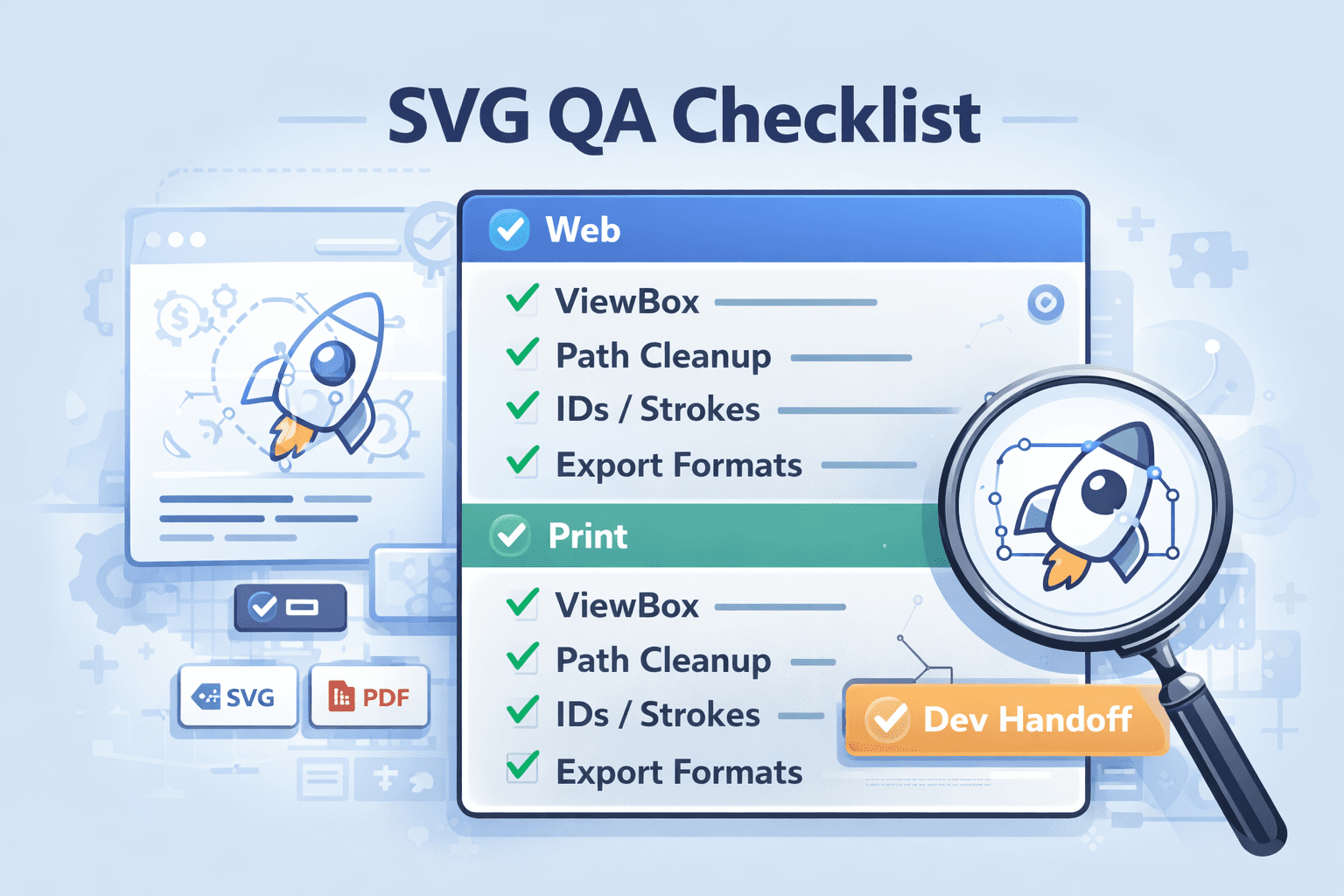
Delivering professional SVG files requires more than just a correct export—it demands systematic quality assurance across different use cases. This comprehensive SVG checklist provides a ready-to-use quality control framework for web implementation, print production, and developer handoff. Use this SVG checklist as your go-to reference to ensure every SVG file you deliver meets professional standards.
The Complete SVG Checklist: Universal Foundation
Before checking specific use cases, run every SVG file through this foundational SVG checklist:
File Structure & Code Quality
Clean Markup: No editor metadata, comments, or unnecessary attributes remain
Proper Nesting: Elements are logically grouped with
<g>tags where appropriateValid Syntax: File passes W3C SVG validator with no critical errors
Consistent Formatting: Code is uniformly formatted (indentation, line breaks)
Minified Option Available: Both human-readable and production-minified versions exist
Visual Integrity
ViewBox Correctly Set:
viewBox="0 0 [width] [height]"matches intended dimensionsNo Clipping: All visual elements fit within the viewBox boundaries
Scales Properly: File renders correctly at different scales without distortion
Transparency Handled: Alpha channels work as intended (not just white backgrounds)
Performance Essentials
Optimized Paths: No unnecessary nodes or redundant points in paths
Reused Elements: Repeated elements use
<defs>and<use>where possibleFile Size Appropriate: SVG isn't unnecessarily large for its complexity
ID Names Sanitized: All IDs are unique and use consistent naming conventions
Web-Specific SVG Checklist
When preparing SVGs for web implementation, this section of the SVG checklist ensures optimal browser performance and compatibility:
Web Implementation Readiness
Accessible: Contains
<title>and<desc>elements for screen readersARIA Attributes: Includes
aria-labelledbyoraria-labelwhere appropriateCSS-Ready: Presentation attributes separated for easy CSS styling
CurrentColor Usage: Where applicable, uses
currentColorfor fills/strokesResponsive Design: Includes
preserveAspectRatiosettings if needed
Browser & Device Compatibility
Cross-Browser Testing: Renders correctly in Chrome, Firefox, Safari, and Edge
Mobile Viewing: Scales and displays properly on mobile devices
High-DPI Screens: Maintains crispness on Retina/4K displays
Animation Performance: Any animations run smoothly at 60fps
Integration & Maintenance
Sprite-Compatible: If part of an icon sprite, uses
<symbol>with viewBoxInline SVG Ready: Can be embedded directly in HTML if required
JavaScript Interaction: Interactive elements have proper IDs/classes
CMS Compatibility: Works with common content management systems
Version Control Friendly: Changes are easily tracked in Git
Print-Specific SVG Checklist
For SVG files destined for print production, this section of the SVG checklist ensures professional printing results:
Print Production Requirements
CMYK Conversion Ready: Colors translate properly to CMYK print space
Adequate Line Weight: All strokes are at least 0.25pt (0.088mm) for visibility
No Hairline Strokes: Avoids "hairline" settings that may not print consistently
Overprint Considerations: Handles overlapping colors appropriately for print
Bleed Areas Defined: If needed, includes proper bleed margins
Material & Scale Adaptability
Vector-Only: Contains no embedded raster images unless absolutely necessary
Scale-Testing: Prints clearly at intended size and 200% enlargement
Color Separation: Works properly for multi-color printing processes
Cutting/Dieline Ready: If needed, includes proper cutting guides
Commercial Printing Compatibility
Fonts Outlined: All text converted to paths to avoid font substitution
Print Shop Format: Exported as PDF/EPS if SVG isn't directly supported
Color Profile: Includes or is compatible with standard printing profiles
Proof Verification: Has been test-printed on target paper stock
Developer Handoff SVG Checklist
When delivering SVGs to development teams, this section of the SVG checklist ensures smooth integration and implementation:
Code Delivery Standards
Consistent Naming: Files use kebab-case (icon-user-profile.svg)
Version Documentation: Change log or version number included
Asset Inventory: Master list of all delivered SVG files
Organization Structure: Logical folder hierarchy for different asset types
Implementation Documentation
Usage Examples: Sample HTML/CSS showing proper implementation
Styling Guide: Documentation on CSS customization options
Size Variants: Multiple sizes provided if needed (16px, 24px, 32px, etc.)
Color Variations: Different color versions or CSS variable instructions
Collaboration & Workflow
Design Tokens: References to design system tokens where applicable
Component Ready: Structured for React/Vue/Angular components if needed
Build Integration: Compatible with asset pipelines and build tools
Update Process: Clear procedure for future updates and modifications
AI-Generated SVG Quality Checklist
When using SVGverseAI's AI SVG Generator, add these specific checks to your SVG checklist:
AI-Specific Quality Controls
Prompt Fidelity: Generated output matches the requested style and subject
Consistency Check: Maintains uniform stroke weights and style across elements
Artifact Inspection: No AI-generated anomalies or visual artifacts
Complexity Appropriateness: Level of detail matches intended use case
Style Uniformity: Consistent with other assets in the same collection
Post-Generation Processing
Path Simplification: Complex AI-generated paths have been optimized
Unnecessary Elements Removed: Stray points or hidden layers deleted
Grouping Rationalization: Logical grouping applied for easier editing
Style Separation: Inline styles converted to classes where possible
Quick Reference: Red Flags in Your SVG Checklist
If you encounter these issues, return to editing before delivery:
Issue | Severity | Immediate Action Required |
Raster images embedded in SVG | High | Convert to vector paths or provide separate high-res version |
Mixed absolute and relative commands | Medium | Convert to all relative or all absolute commands |
Non-unique ID values | High | Ensure all IDs are unique within the SVG |
Extreme coordinate values | Medium | Normalize coordinates to reasonable range |
Missing viewBox attribute | Critical | Add proper viewBox before any other fixes |
Text elements without font outlining | Medium-High | Convert text to paths for consistency |
Implementing Your SVG Checklist Workflow
For Individual Designers:
Create Checklist Templates: Save this SVG checklist as a template in your preferred documentation tool
Batch Review Sessions: Set aside dedicated time for SVG quality assurance
Build Automation: Where possible, automate checks with SVG optimization tools
Client-Specific Variations: Adapt the SVG checklist for different client requirements
For Teams & Agencies:
Standardize Delivery: Make this SVG checklist part of your official delivery requirements
Quality Gates: Implement checklist verification before client delivery
Training Materials: Use the SVG checklist to onboard new team members
Continuous Improvement: Regularly update your SVG checklist based on project learnings
Conclusion: Quality as a Deliverable
A thorough SVG checklist transforms quality assurance from an afterthought to a deliverable. By systematically applying this SVG checklist to every file—whether for web, print, or developer handoff—you ensure professional results, reduce revision cycles, and build trust with clients and collaborators. The few minutes spent with this SVG checklist saves hours of troubleshooting and maintains the inherent benefits of SVG images throughout their lifecycle.
Ready to implement professional SVG quality assurance? Generate flawless SVG foundations with SVGverseAI, then apply this comprehensive SVG checklist to ensure delivery-ready files every time. Explore our pricing plans for teams that value consistent quality and efficient workflows.