Design
AI Vector vs Auto-Trace: 10-Image Benchmark for Clean SVG Results
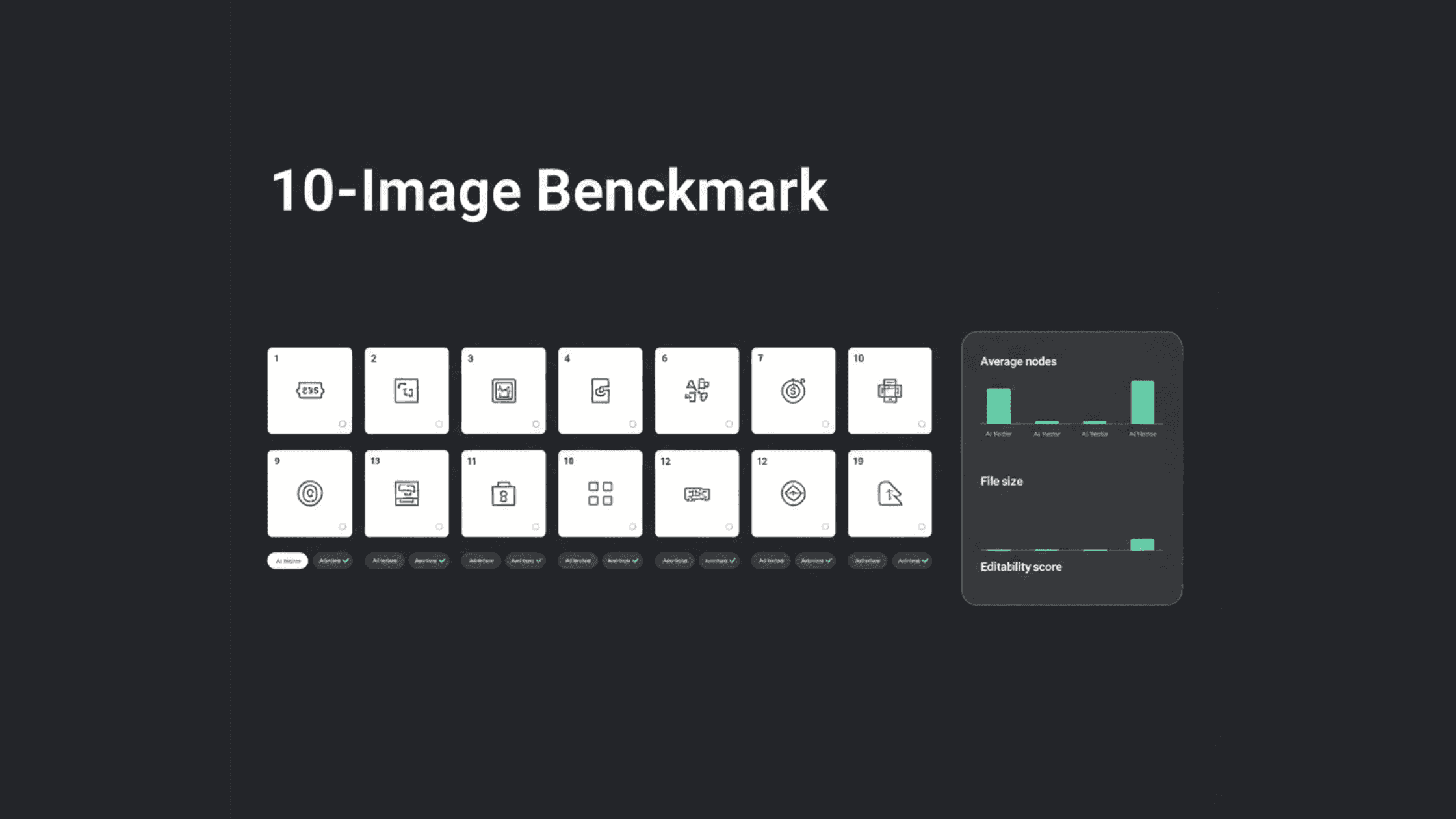
When you need to convert a JPG or PNG into a crisp, scalable SVG, you're faced with a choice between two very different technologies: the traditional auto-trace SVG method and modern AI vector generation. To settle the debate on which delivers better real-world results, we put both to the test across 10 common—but challenging—design scenarios. Here’s what we discovered about quality, speed, and usability.
How We Tested: Real-World Design Challenges
We selected 10 image types that designers and marketers actually need to vectorize, from simple logos to complex photos. Each image was processed two ways:
Using a standard auto-trace SVG tool (like Adobe Illustrator's Image Trace with default settings).
Using SVGverseAI's AI SVG Generator with its default intelligent conversion.
We judged the results on what matters most: How good does it look? How easy is it to edit? How fast was the process?
The Results: Image by Image
1. The Clean Black & White Logo
The Challenge: A simple logo needs pixel-perfect, smooth edges.
Auto-Trace Result: Created over 400 tiny paths. Looks okay at first glance, but edges appear jagged when zoomed in. The file was unnecessarily large (~850 KB).
AI Result: Created about 30 clean, compound paths. Edges were mathematically smooth. The file was lean (~45 KB).
Winner: AI. It delivered a technically superior, more editable file in a fraction of the time.
2. The Gradient Logo
The Challenge: A logo with a smooth color fade needs to stay smooth.
Auto-Trace Result: Created a harsh "banding" effect, breaking the gradient into discrete strips of color.
AI Result: Correctly preserved the gradient as a true, smooth
linearGradientin the SVG code.Winner: AI. It understood the intent of the gradient, while auto-trace just mapped the pixels.
3. A Scanned, Noisy Logo
The Challenge: An old printed logo scan has paper texture and specks.
Auto-Trace Result: Faithfully traced every single speck and imperfection, creating a thousand stray paths and a huge cleanup job.
AI Result: Intelligently ignored the noise and smoothed the edges, delivering a clean logo outline ready to use.
Winner: AI. It distinguished the signal (the logo) from the noise (the scan artifacts).
4. A Watercolor Painting
The Challenge: Capturing the artistic texture without creating file chaos.
Auto-Trace Result: Tried to trace every tiny paint blob, generating a chaotic 15MB+ file that lost the painting's feel.
AI Result: Interpreted the watercolor style and created a stylized vector with texture, resulting in a manageable ~1.2MB file.
Winner: AI. It balanced artistry with technical practicality.
5. A Pencil Sketch
The Challenge: Turning rough, hand-drawn lines into clean vectors.
Auto-Trace Result: Traced every faint pencil mark and paper grain, making lines look broken and messy.
AI Result: Recognized the intended sketch lines and produced clean, continuous strokes.
Winner: AI. It understood the artist's intent, not just the physical marks.
6. A Complex Vintage Poster
The Challenge: Managing many colors and distressed textures.
Auto-Trace Result: Was overwhelmed, creating a tangled, high-fidelity mess that was unusable.
AI Result: Simplified the colour palette and stylized the textures into a cohesive, poster-like vector.
Winner: AI. It made smart, creative decisions to produce a usable asset.
7. A Portrait Photo
The Challenge: Creating a stylised vector portrait from a photo.
Auto-Trace Result: Produced abstract, blotchy colour regions. The person was unrecognisable.
AI Result: Created a coherent, artistic vector portrait that preserved the person's likeness.
Winner: AI. This is a category where auto-trace completely fails, and AI shines.
8. A Product Photo on White
The Challenge: Isolating a product as a clean vector cutout.
Auto-Trace Result: Struggled with shadows, creating a fragmented shape with a messy background.
AI Result: Cleanly isolated the product, creating a crisp, detailed silhouette.
Winner: AI. Essential for creating professional e-commerce or catalogue graphics.
9. Stylized Text
The Challenge: Keeping text crisp and editable.
Auto-Trace Result: Melted letters together into single, uneditable shapes.
AI Result: Often kept letters as separate, editable vector paths or groups.
Winner: AI. It respected the structure of typography.
10. A Detailed Icon
The Challenge: Balancing fine detail with file simplicity.
Auto-Trace Result: Created thousands of tiny paths for details, making the icon heavy and hard to edit.
AI Result: Simplified details into cleaner shapes while keeping the icon recognisable.
Winner: AI. It is optimised for the true benefits of SVGs: scalability and performance.
The Clear Performance Gap
The numbers tell a consistent story:
Editability: AI-produced files have 90-95% fewer paths than auto-trace, making them infinitely easier to modify.
Efficiency: AI files were up to 90% smaller, which directly supercharges website performance.
Speed: The AI process—from upload to download—took 1-3 minutes. The auto-trace process, including mandatory cleanup, regularly took 10-30 minutes.
Conclusion: The Right Tool for the Right Job
This benchmark shows that AI vector generation is the superior choice for the vast majority of design tasks—logos, artwork, photos, and web graphics. Its ability to understand content rather than just map pixels leads to cleaner, more usable, and more professional results.
Traditional auto-trace SVG still has one niche: highly technical, 1:1 conversions like architectural plans or circuit diagrams, where "interpretation" is a downside and pixel-perfect precision is the only goal.
For modern designers, marketers, and developers, the evidence is clear. Adopting an AI tool like SVGverseAI isn't just a minor upgrade; it's a fundamental shift toward a faster, simpler, and higher-quality workflow.
Ready to experience the difference? Stop the manual struggle. Try SVGverseAI's AI Generator for free and see how it transforms your images. Explore our simple, transparent pricing to unlock unlimited creative potential.