Design
Coloring Book Workflow: Generate 50 Clean SVG Pages (No Shading)
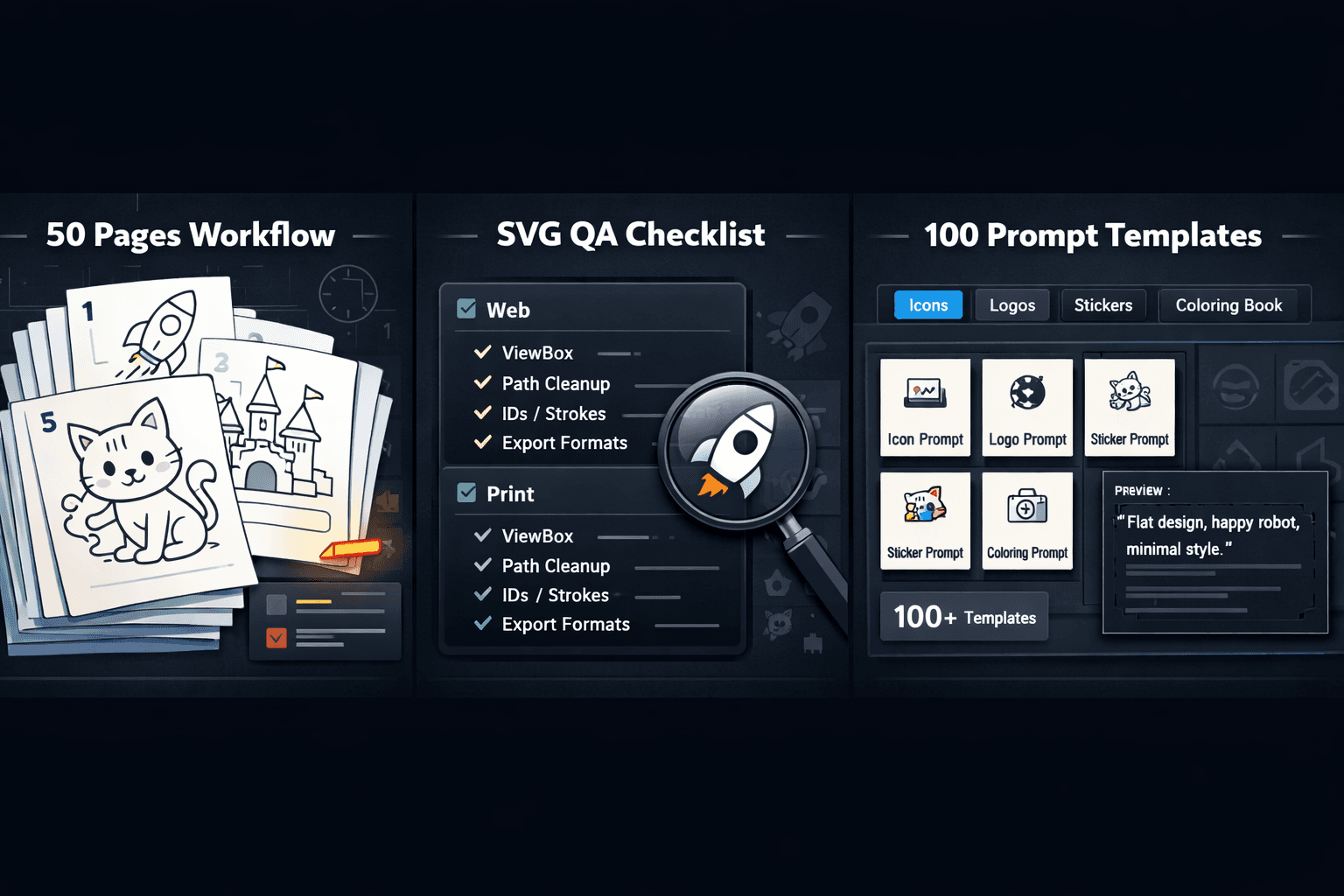
Creating a professional 50-page coloring book SVG collection can seem daunting, but with the right AI-driven workflow, it transforms into a streamlined, efficient process. This guide walks you through a complete production pipeline from initial concept prompts to final printable coloring book SVG files ensuring you create consistent, high-quality coloring pages with clean lines, no shading, and age-appropriate designs every time.
Why SVG is the Perfect Format for Coloring Books
The coloring book SVG format offers unique advantages that make it superior to traditional raster images (like JPG or PNG) for printable coloring pages:
Infinite Scalability: Enlarge pages for posters or reduce them for mini-books without any loss of quality—all from the same coloring book SVG file.
Crisp, Clean Lines: SVG paths create mathematically perfect lines that won't pixelate or blur when printed, essential for the clean outlines required in a coloring book.
Easy Customization: Modify line weights, adjust compositions, or create variations from a master coloring book SVG file without quality degradation.
Minimal File Size: Complex illustrations remain small files that are easy to store, share, and print.
These benefits make coloring book SVG files ideal for creating the kind of simple, fun outlines for children that make coloring enjoyable and frustration-free.
Phase 1: Planning Your 50-Page Coloring Book SVG Collection
Before generating a single image, strategic planning ensures consistency across all 50 pages.
Define Your Coloring Book Theme & Audience
Your theme guides every prompt. Consider these popular categories:
Age Group: Toddler (simple shapes), 5-8 years (moderate detail), 8+ (complex scenes)
Theme: Animals, Fantasy, Vehicles, Nature, Mandalas, Educational (letters/numbers)
Style: Whimsical, Realistic, Cartoon, Pattern-based
Create a Content Spreadsheet
Map out all 50 pages to ensure variety and balance:
Page | Theme | Subject | Complexity | Special Notes |
1-10 | Forest Animals | Bear, rabbit, owl, etc. | Simple | Individual animals on blank background |
11-20 | Fantasy | Castle, dragon, unicorn | Moderate | Include magical elements |
21-30 | Underwater | Fish, whale, octopus | Simple to Moderate | Play with different sea creatures |
31-40 | Vehicles | Cars, trucks, planes, boats | Simple | Clear, bold outlines |
41-50 | Mandalas & Patterns | Geometric designs | Complex | Symmetrical, intricate patterns |
Phase 2: Master Prompt Engineering for Coloring Book SVG Files
The key to batch-creating consistent coloring book SVG pages is a bulletproof prompt formula. Here's the exact structure to use with SVGverseAI's AI Generator:
The Core Coloring Book SVG Prompt Formula
text
"[SUBJECT] as coloring page outline, clean thick lines, no shading, no grayscale, no background, single-layer vector, coloring book style, simple contours, closed shapes, age-appropriate for [AGE] years old, black outline on white --style line_art"
Prompt Examples for Different Styles:
For Simple Animal Pages (Ages 3-5):
"Happy cartoon bunny as coloring page outline, very thick lines, no details, no shading, no background, single-layer vector, coloring book style, simple shapes, closed contours, age-appropriate for 4 years old, black outline on white --style line_art"
For Complex Mandala Pages (Ages 8+):
"Intricate floral mandala as coloring page outline, consistent medium line weight, symmetrical design, no shading, no background, single-layer vector, coloring book style, repeating patterns, closed shapes, age-appropriate for 10 years old, black outline on white --style line_art"
For Themed Scenes (Ages 6-8):
"Underwater coral reef scene as coloring page outline, clean separated elements, fish and plants, no shading, no background, single-layer vector, coloring book style, distinct elements, closed shapes, age-appropriate for 7 years old, black outline on white --style kawaii_vector"
Critical Prompt Elements for Coloring Book SVG Success:
"No shading, no grayscale": Prevents the AI from adding gradients or shadows
"Clean thick lines": Ensures printable line weight
"Single-layer vector": Encourages simpler, more editable output
"Closed shapes": Prevents gaps in coloring areas
"No background": Keeps focus on the coloring subject
Phase 3: Batch Generation Workflow for 50 Coloring Book SVG Pages
Step 1: Generate in Themed Batches
Don't create 50 pages in one sitting. Work in batches of 5-10 pages per theme:
Forest Animals Batch: Generate bear, fox, deer, owl, raccoon using your animal prompt template
Fantasy Batch: Generate castle, dragon, unicorn, wizard, fairy using your fantasy template
Pattern Batch: Generate 5-10 mandala/pattern variations
Step 2: Quality Control Checkpoints
After each batch, verify:
Line consistency across all pages
No hidden shading or gradients
All shapes are properly closed
Age-appropriate complexity level
Print readiness (lines not too thin)
Step 3: Create Cohesive Page Elements
To make your coloring book SVG collection feel unified:
Use consistent border designs on every page
Include standardized page numbers in the same style
Add a "This book belongs to:" page with matching design
Create a cover using your most impressive coloring book SVG design
Phase 4: Post-Processing & Print Preparation
Even with perfect prompts, some coloring book SVG files may need minor adjustments:
Essential SVG Cleanup Steps:
Simplify Complex Paths: Reduce unnecessary points that complicate the file without adding value
Ensure Line Weight Consistency: Standardize all strokes to 2-3pt for children's coloring books
Close Any Gaps: Use vector editing tools to connect any open paths
Remove Hidden Elements: Delete any stray points or invisible layers
Test Print Samples: Print pages at 100% scale to verify line clarity
Creating Printable PDFs from Coloring Book SVG Files:
Standardize Page Size: Set all pages to 8.5" x 11" or your preferred dimensions
Add Print Margins: Ensure no critical elements fall within 0.5" of edges
Batch Export: Use tools that can process multiple coloring book SVG files into a single PDF
Create Multiple Formats: Consider both single-page and two-page spread layouts
Phase 5: Packaging & Supplemental Materials
A complete coloring book SVG product includes more than just the 50 pages:
Create Supporting Assets:
Cover Design: Generate a special cover illustration using a modified prompt
Instruction Page: Include tips for parents and coloring suggestions
Certificate of Completion: Design a "I finished this coloring book!" page
Preview Pages: Select 3-5 of your best coloring book SVG pages for marketing samples
Consider Format Variations:
Single Pages: For digital download and home printing
Two-Page Spreads: For professional printing
Mini-Book Version: Scaled-down pages for travel-sized books
Poster-Sized: Enlarged versions of select pages
Advanced Tips for Professional Coloring Book SVG Production
1. Create Cohesive Character Series
If your coloring book SVG collection features recurring characters, establish a character sheet first, then generate them in different poses/activities throughout the book.
2. Implement Progressive Difficulty
Arrange your 50 coloring book SVG pages from simplest to most complex, helping children build confidence as they progress.
3. Add Educational Elements
Incorporate learning into your coloring book SVG designs—letters, numbers, simple words, or facts about the subjects being colored.
4. Create Seasonal Collections
Use the same workflow to produce holiday-themed coloring book SVG mini-collections (Halloween, Christmas, Easter, etc.).
Conclusion: From Concept to Complete Coloring Book
Producing a 50-page coloring book SVG collection is completely achievable with this structured workflow. By combining strategic planning, precise prompt engineering, batch processing, and quality post-production, you can create professional-grade coloring books efficiently. The coloring book SVG format ensures your creations will look perfect whether printed at home on standard paper or professionally produced as physical books.
Ready to create your own coloring book? Start with SVGverseAI and use the prompt formulas and workflow outlined above to generate your first batch of coloring book SVG pages. Explore our pricing plans designed for creators producing high-volume projects like complete coloring books with whimsical, child-friendly illustrations.