Design
Export SVG from Figma Correctly (Fills, Strokes, Naming & QA)
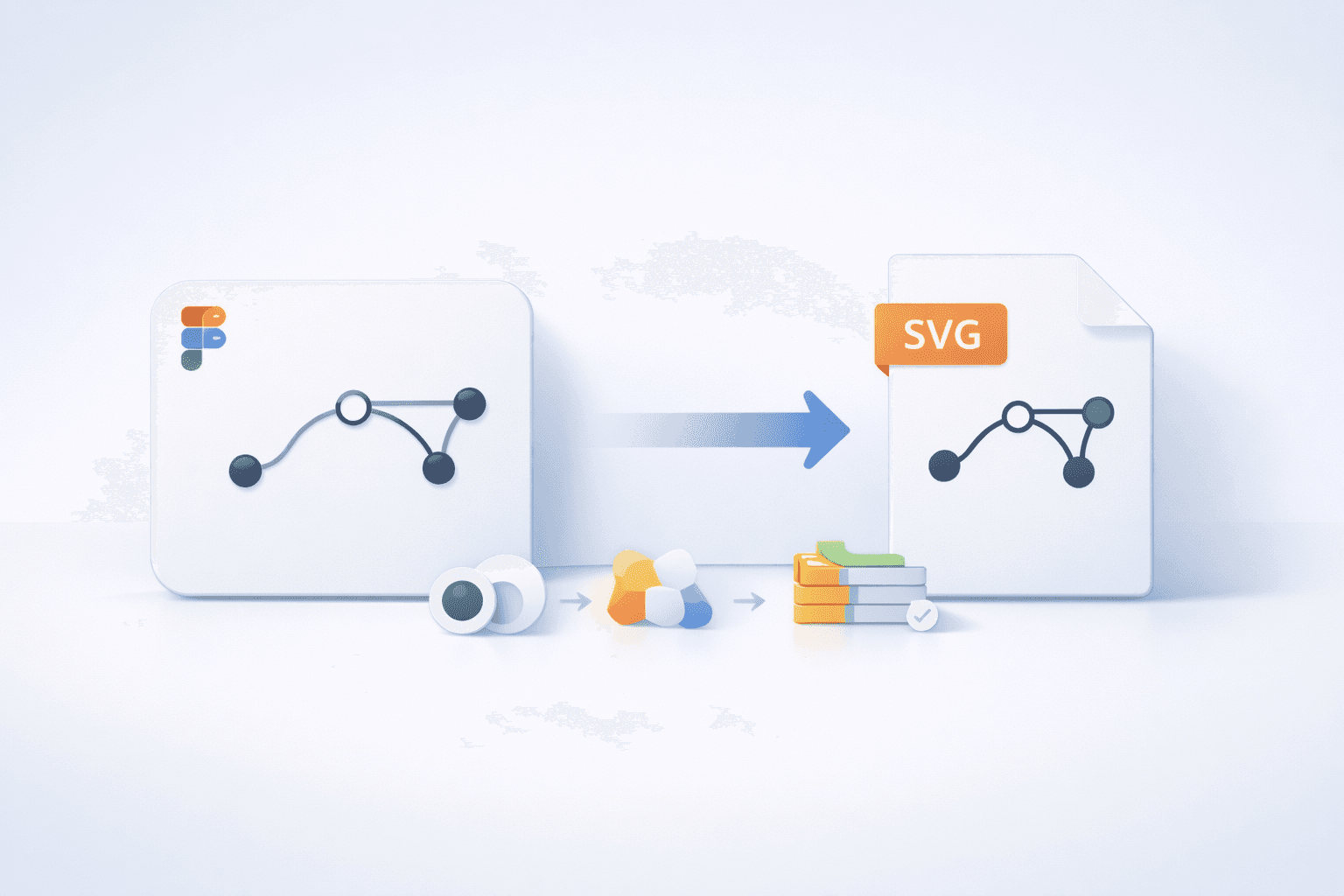
Export SVG from Figma Correctly: Fills, Strokes, and Naming
If developers keep telling you “this SVG is messy” or “why is this 300KB?”, it’s rarely your design—it’s the export defaults.
Figma can export great SVGs, but you need to understand 3 realities:
Some visual effects don’t translate cleanly to SVG
Strokes often export as fills
Naming/structure matters more than you think
This guide is the practical workflow to export SVGs that are clean, predictable, and dev-friendly.
What breaks exports
These are common reasons SVGs look wrong after export:
1) Background blurs & effects
Some effects need special handling; blurred backgrounds often won’t export how you expect unless you adjust your approach. Figma’s export guidance calls out format-specific limitations. Figma Help Center+1
2) Text behavior
Figma can export text as glyphs (paths), which means it won’t be editable as text later. Export settings like Outline text exist for this reason. Figma Help Center
3) Strokes
Figma explicitly notes: strokes export as fills in SVG. Figma Help Center
That’s not “wrong”—it’s just how Figma ensures appearance consistency.
Outlining strokes (the clean way)
If your icon uses strokes and you want predictable output, you have two options:
Option A: Leave strokes as strokes (when dev wants strokes)
Keep it simple if:
it renders correctly in the target environment
you don’t need stroke-to-fill conversion
Option B: Convert stroke to outline (when stroke rendering causes issues)
Figma supports Outline stroke to convert strokes into vector shapes. Figma Help Center
This is useful when dashed strokes, stroke alignment, or rendering differences create problems.
Rule:
If it’s an icon system and dev wants consistent fills → outline/flatten strokes.
If it’s a simple line icon set and dev wants stroke control → keep strokes but test.
Boolean operations (reduce messy overlaps)
Overlaps can create weird results or extra paths. Boolean ops help turn multiple shapes into a simpler final form. Figma supports boolean operations directly. Figma Help Center
Good practice:
Merge shapes where it makes sense
Remove hidden overlap layers that don’t change the final look
Avoid exporting giant groups with extra masks unless needed
Simplify layers before export
Before exporting:
Remove hidden layers
Flatten unnecessary groups
Avoid nested transforms if you can
Keep only what needs to be part of the final icon/illustration
Also check Figma’s SVG export settings like Simplify stroke and other SVG-specific options. Figma Help Center
Naming conventions that developers will love
Bad names create chaos:
Frame 123.svgIcon (1).svgfinal-final-2.svg
Figma supports slash-separated names that export into folders automatically. Figma Help Center+1
Recommended naming pattern
Category/IconName/Size/Variant
Examples:
icons/arrow-left/24/solidicons/arrow-left/24/outlinelogos/svgverseai/primaryillustrations/onboarding/step-1
This keeps exports clean and predictable in codebases.
QA checklist (before handing off to dev)
Run this every time:
Visual QA
Looks correct at 1x and 2x (retina)
No unexpected background rectangles
No clipped strokes or cut shadows
Alignment still centered
Structure QA
No hidden layers exported
No duplicate shapes sitting on top of each other
Paths aren’t insanely dense for simple icons (optimize later if needed)
Dev QA
If theming is needed: use
currentColorstrategy (or confirm dev will set it)If accessibility is needed: confirm the usage context (decorative vs meaningful)
Handoff to dev (what to include)
Send:
The exported SVGs (properly named)
A quick note: “stroke icons are kept as strokes” OR “strokes were outlined”
Any intended behavior:
theme color expected?
hover state expected?
animation expected?
If you want inspiration for design-to-dev workflows: