Design
Generate a Brand Kit in One Style: Logo, Icons, Patterns (SVG Workflow)
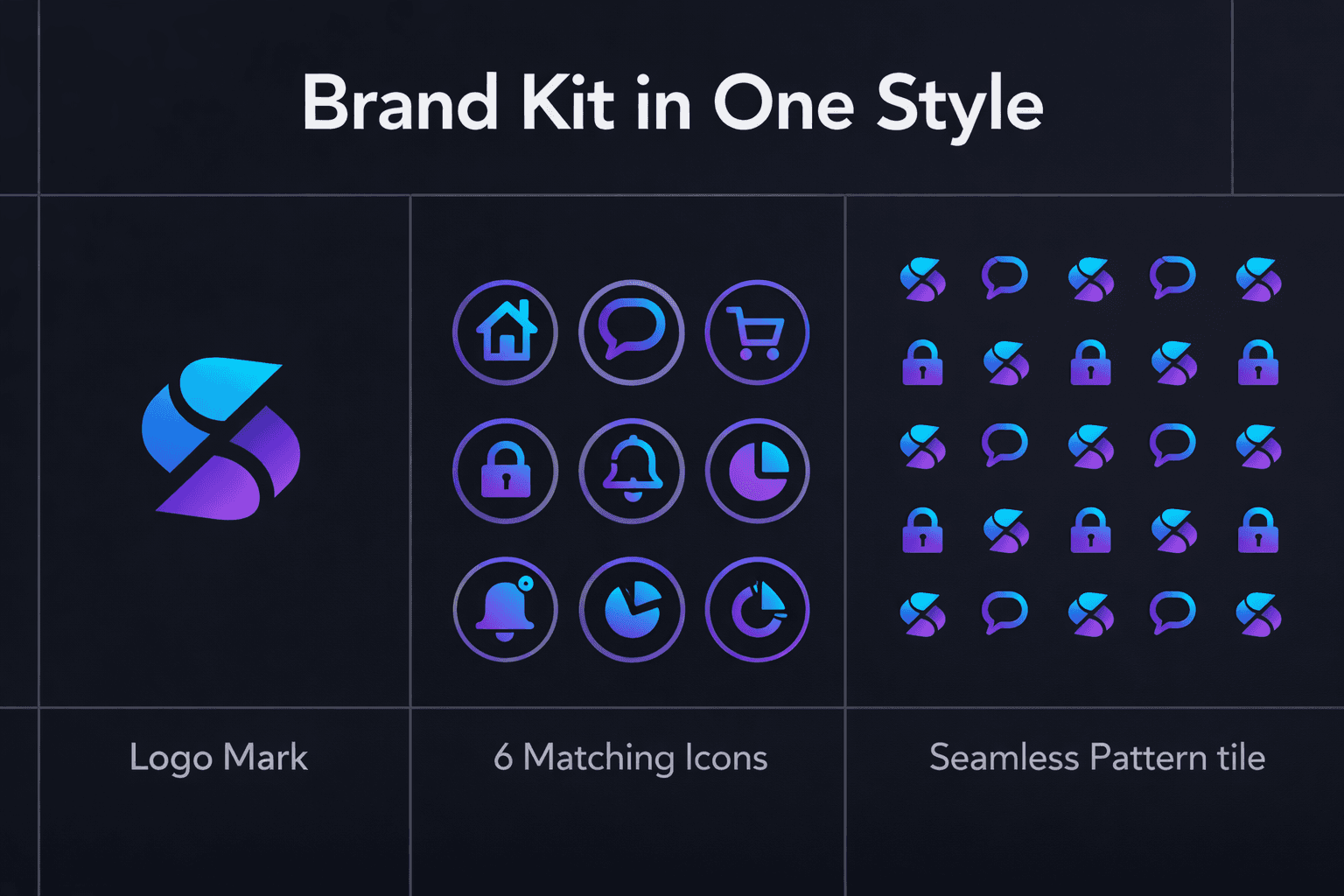
A brand kit isn’t “a logo.” It’s a system.
A real kit includes:
a logo mark (and variations)
an icon style (set of brand symbols)
patterns/backgrounds (for banners and packaging)
consistent visual rules (color, geometry, corner language)
If those elements don’t match, your brand feels cheap—even if each asset is “nice.”
This guide shows how to generate a complete SVG brand kit in one style, and package it like a pro.
Core hub for generating brand-ready vectors:
AI SVG Generator: https://svgverseai.com/solutions/ai-svg-generator
Step 1: Define your brand kit components
Minimum kit (fast but complete):
Logo mark (symbol only)
Wordmark (text-based, optional)
6–12 icons (features / values / category symbols)
2 patterns (light + dark)
Color tokens (primary + neutral + accent)
If you want deeper branding context:
Step 2: Pick one style language (don’t improvise)
Choose one:
minimal outline
bold flat shapes
geometric monoline
rounded playful
retro badge style
Lock rules:
corner radius language (sharp/rounded)
stroke weight (if outline)
fill style (flat vs gradient)
detail level (simple vs detailed)
This is what makes the kit feel like “one brand.”
Step 3: Create logo mark variations (3 versions)
Generate 3 forms:
Primary mark (the core symbol)
Simplified mark (tiny favicon-ready version)
Badge version (for stickers, packaging, profile)
If you’re going minimal:
/blog/minimal-vibrant-logo-svg-clean-yet-striking-brand-marks
If you want bold:/blog/bold-vibrant-graphic-logo-svg-strong-and-eye-catching-brand-designs
Step 4: Build icons that match the logo
Your icons should share the same “DNA”:
same stroke weight (if outline)
same corner language
same geometric proportions
same spacing/padding rules
If you already have Blog 10 workflow:
link it here: Build a Full Icon Set (Blog 10)
Step 5: Create patterns that reuse logo geometry
Patterns are easiest when you reuse shapes:
take 3–5 brand elements (leaf, star, dot, wave, bolt)
repeat them with consistent spacing
create one light pattern + one dark pattern
Patterns should be subtle. If the pattern screams louder than the logo, it’s wrong.
Step 6: Package exports (so it’s actually usable)
Create folders:
/logo//icons//patterns//exports/png/(for social previews)/exports/svg/(source)
Export rules:
SVG for all source assets
PNG previews for social, thumbnails
Ensure clean ViewBox, consistent naming
For export best practices:
Blog 6: Export SVG from Figma Correctly
Step 7: Quick QA
✅ icons and logo share style language
✅ patterns reuse brand shapes
✅ favicon version is readable at 16px
✅ everything exports cleanly
✅ assets look consistent in a grid
CTA
Generate your full kit quickly:
Start Free Today: https://app.svgverseai.com/
See plans & credits: https://svgverseai.com/pricing
AI SVG Generator: https://svgverseai.com/solutions/ai-svg-generator